How to detect pressing Enter on keyboard using jQuery?
Would you like to detect whether a user has pressed "Enter Key" using jQuery?
I am not sure if you ever come across this scenario or not.
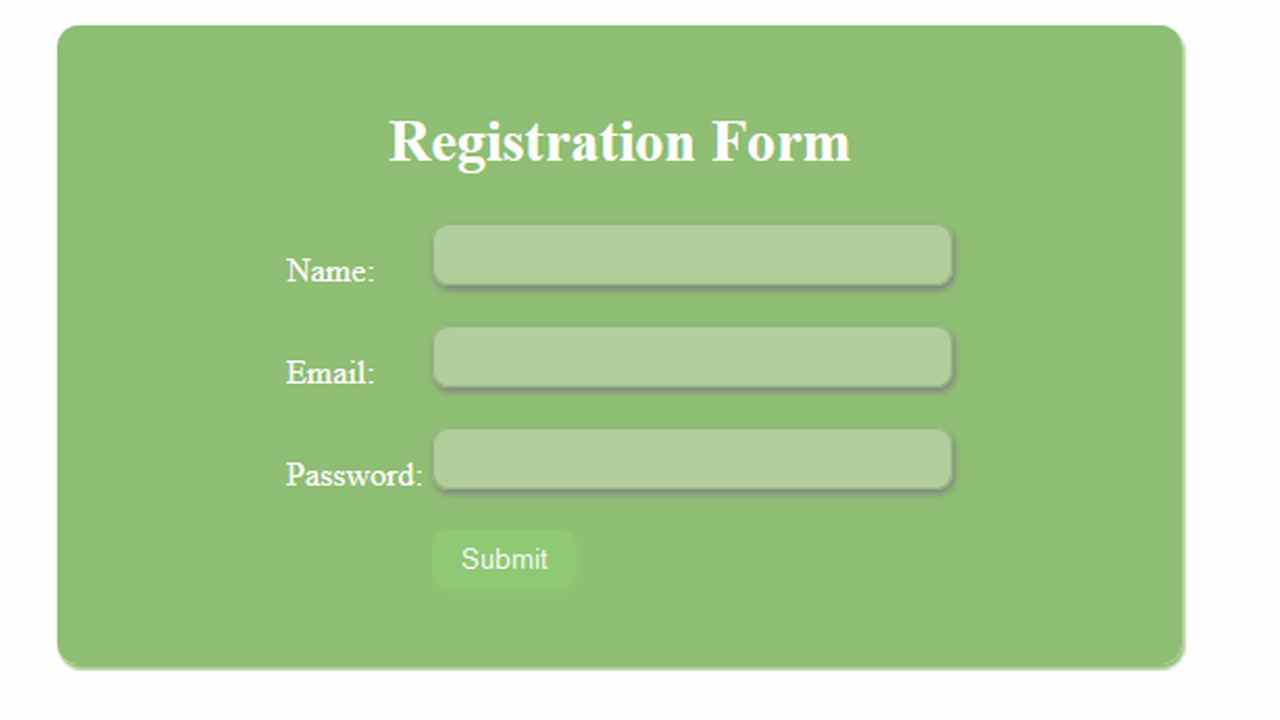
I was working on a project in which I was making an Ajax call to submit form data. However, if a user hit the enter key while being in an input field, the whole page was reloading.
Instead, I wanted jquery to trigger that enter key pressed and then call the submit process where I would validate the form data.
jQuery Enter Key Plugin that worked for me:
$.fn.enterKey = function (fnc)
{
    return this.each(function ()
    {
        $(this).keypress(function (ev)
        {
            var keycode = (ev.keyCode ? ev.keyCode : ev.which);
            if (keycode == '13')
            {
                fnc.call(this, ev);
            }
        })
    })
}
How to use jQuery Enter Key Plugin
$('#YourElementID').enterKey(function (e)
{
  //prevent the page from reloading
  e.preventDefault();
  //Call the submit process
  $("#YourButtonClickTrigger").click();
})

$('.YourElementClassName').enterKey(function (e)
{
  //prevent the page from reloading
  e.preventDefault();
  //Call the submit process
  $(".YourButtonClassNameClickTrigger").click();
})
For my project I added a class("UserForm") to all my input fields. This way the enter key jquery plugin would trigger no matter which field my user was in it.
$(".UserForm").enterKey(function (e)
{
  //prevent the page from reloading
  e.preventDefault();
  //Call the submit process
  $(".Btn_UserForm").click();
})
Try this small enter key jquery plugin in your projects